Play a melody on a keyboard
Use the notes you play as the starting point for an AI-generated song.


 ACE Music
AI SONG GENERATOR
Generate complete songs from text, lyrics, MIDI or a hummed melody with ACE Music.
LISTEN
Use the notes you play as the starting point for an AI-generated song.
Record yourself humming a melody. Generate a complete song from the recording.


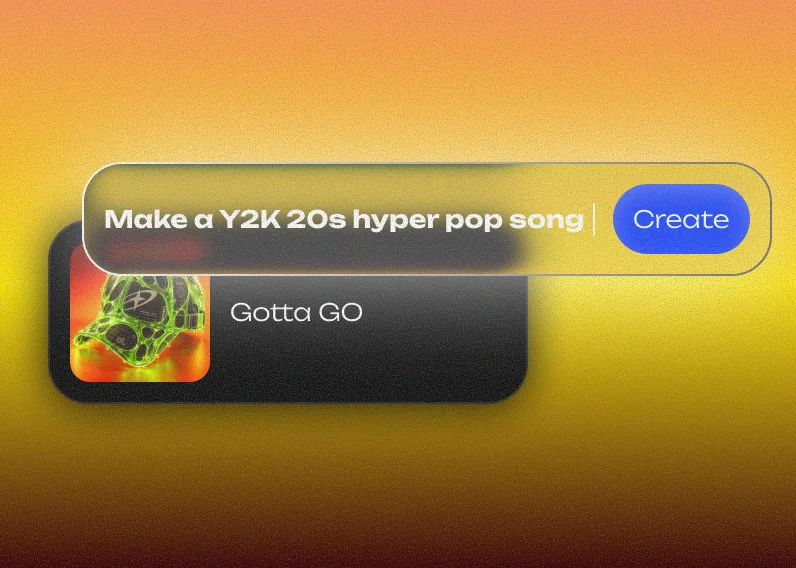
Describe the music you want, including the style, mood or subject.
Make a Y2K hyperpop song about girls looking good, shining bright and going a little crazy

MELODY TO SONG
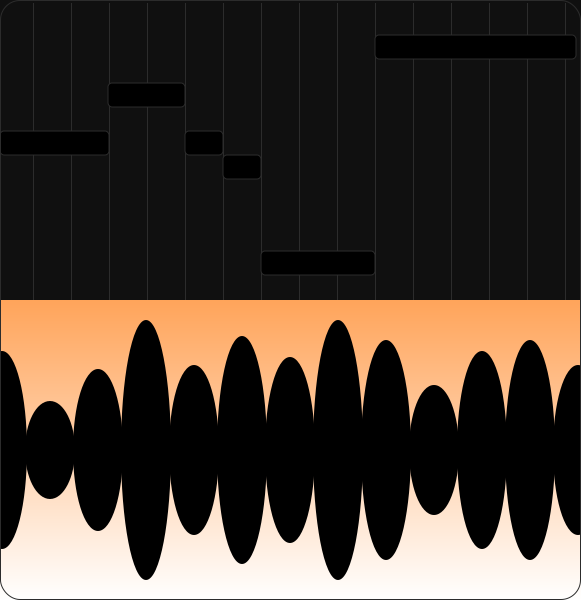
Start with MIDI or a recording of yourself humming. ACE Music uses your melody to generate a complete song audio file.
When notation is available, download a score or MIDI of the main melody and chords with an eligible plan.
#1 Music Model
ACE Music v1
AI MUSIC TOOLS
Describe the genre, mood and subject to generate a complete song from text.
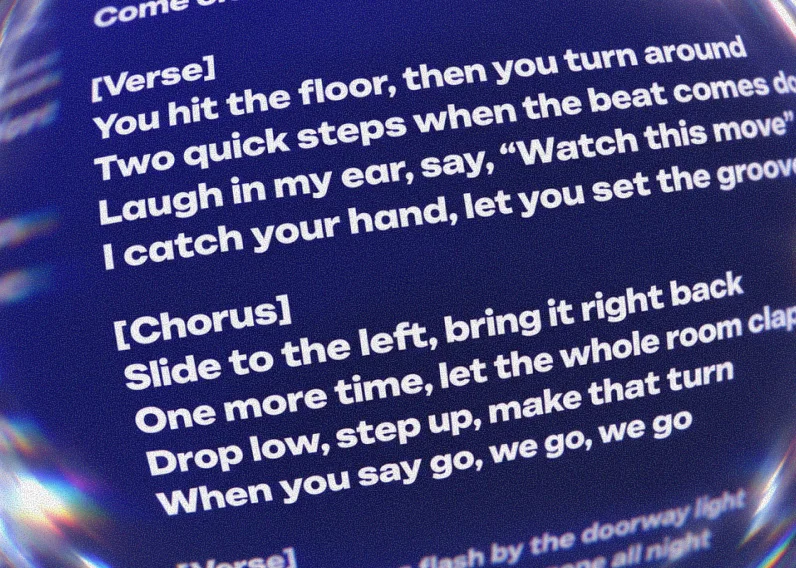
Enter your lyrics and choose a musical style to generate a song.

Upload an image and make a song about the story behind it.
Use a reference song to generate a new version in a different musical style.
Use two song references as inputs to generate a new song.
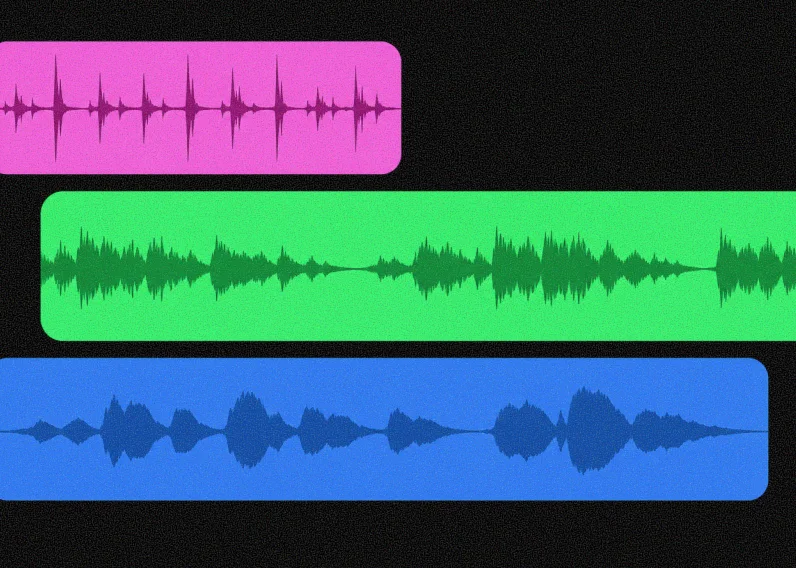
Split a song into clean stems and edit them in ACE Studio or the DAW you already use.
HOW IT WORKS
Enter text or lyrics, record a melody, or play notes on a keyboard.
Choose a musical style and generate a complete song. Listen to the result and generate another version if needed.
Find your generated songs in Library. Explore the download options included in your plan.
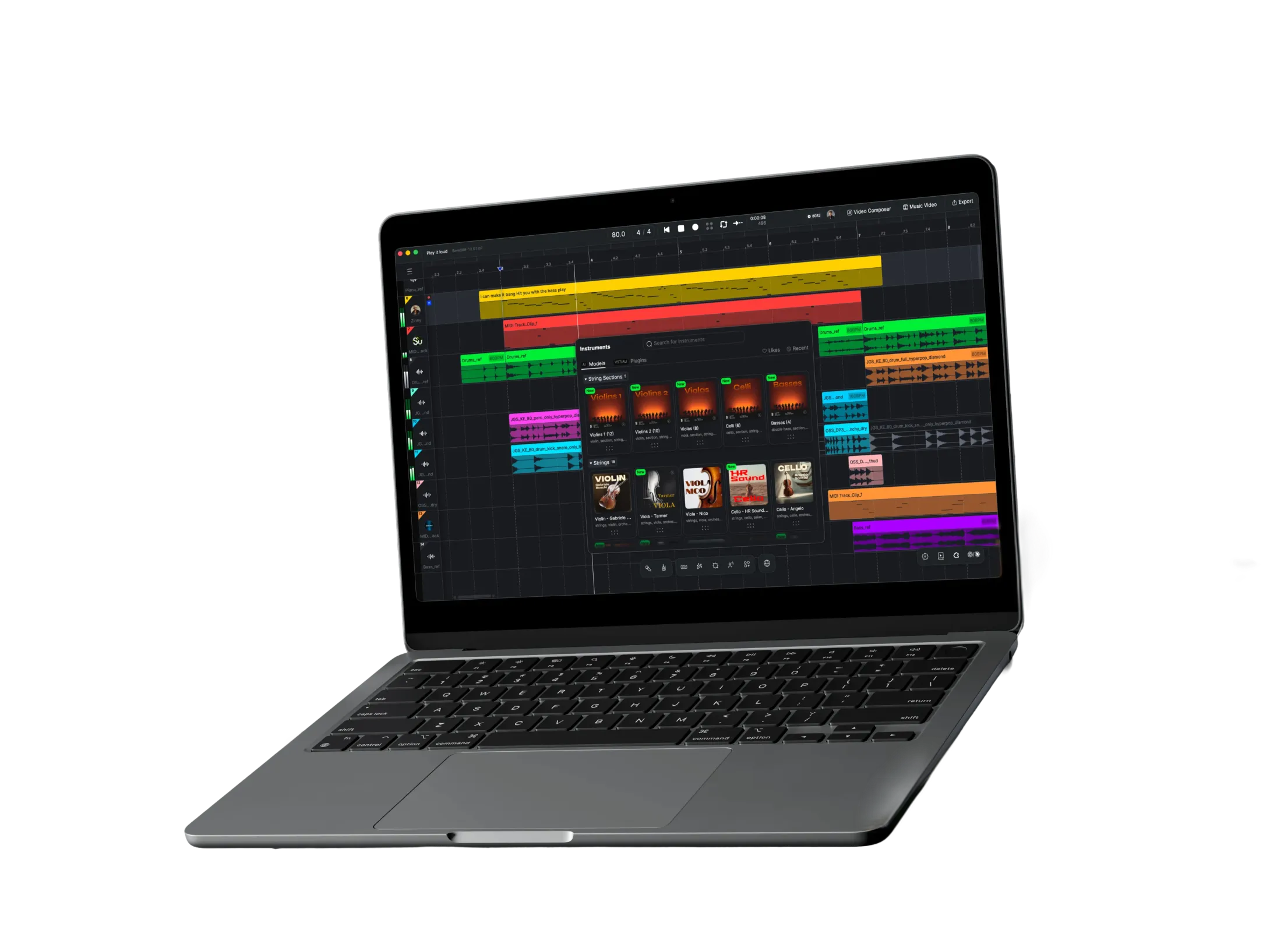
ACE STUDIO · AI MUSIC WORKSTATION
Ready for more control over your music? ACE Studio is an AI DAW for professional music production. Start with MIDI, text prompts or audio, then edit notes, shape vocal performances and arrange tracks with greater precision.
Explore ACE StudioACE Studio access depends on your plan.
CREATE WITH ACE MUSIC
Turn your words, lyrics or melodies into complete songs with ACE Music’s AI music generator.
$7.90USD/mo
Saves $24 by billing yearly
$16.58USD/mo
Saves $149 by billing yearly
Yearly plans are billed in USD once per year. Cancel future renewals from billing settings.

Full songs with vocals or instrumentals. Start from a text prompt, your own lyrics, a hummed or played melody, a song to cover or mash up, or a picture or video.
No. Describe the music you want in plain words, bring your lyrics, or start with a melody you play or hum.
Your recording or played notes guide the model as it generates a complete song. The result can vary in timing, phrasing and arrangement, so listen to each version to check how it interprets your melody.
When notation is available for a result and your plan includes the relevant downloads, you can export a score or MIDI with the main melody and chords. These files do not contain a detailed part for every instrument.
Creator includes 1,000 credits per month, uploads up to 30 minutes, unlimited downloads and a priority queue. Artist includes 2,500 credits per month, uploads up to 60 minutes, everything in Creator and access to ACE Studio.
Choose a plan and sign in with Google. After your subscription is verified, your workspace enters a private preparation queue; there is no free tier.